Spritesheet Splitter
A downloadable tool for Windows and macOS
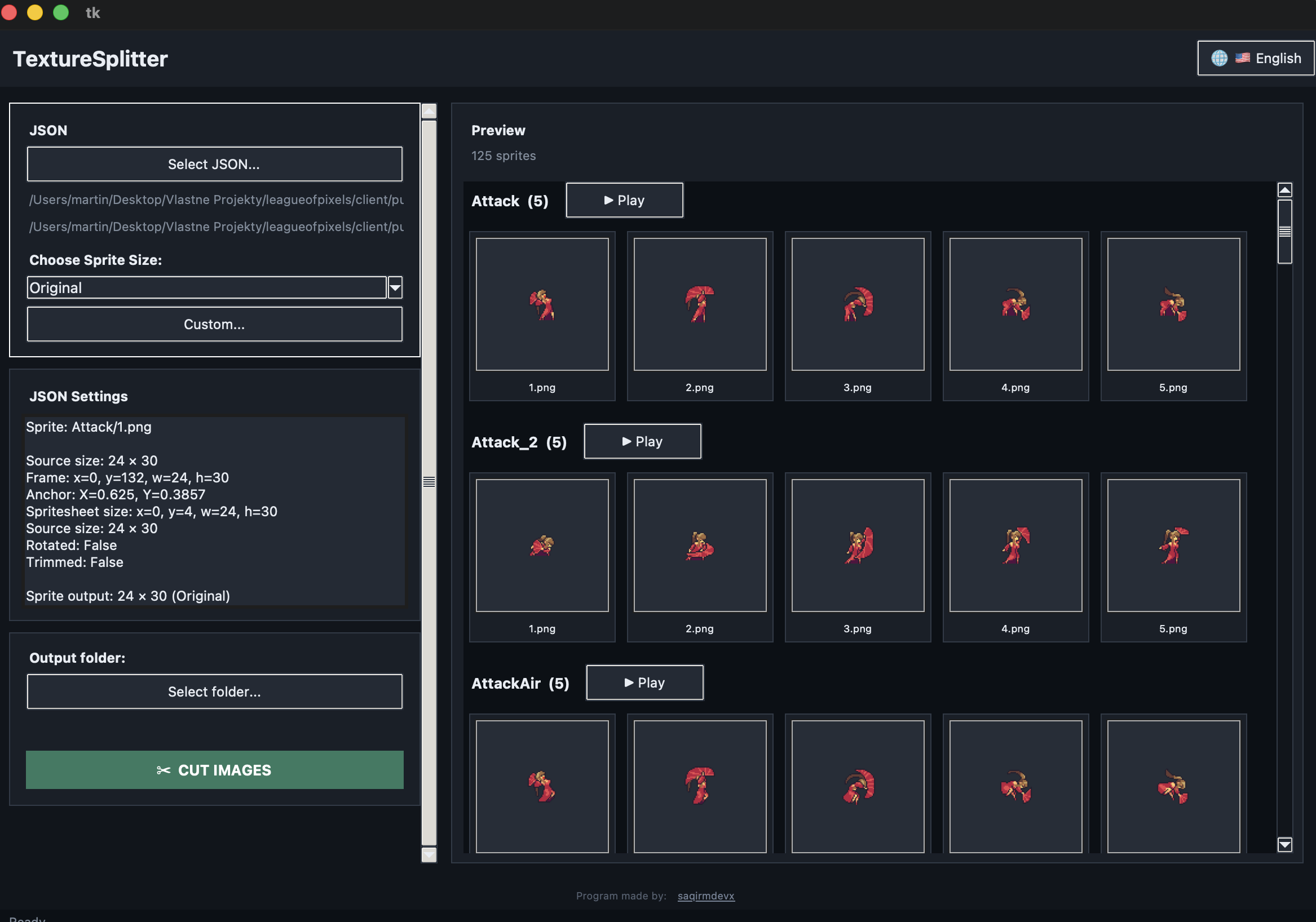
Texture Splitter splits TexturePacker spritesheets into individual frames. It uses a JSON file as input, automatically loads the corresponding PNG, and allows you to reverse a spritesheet into frame-by-frame images without any loss of quality.
Features:
- Split spritesheets into individual frames
- Create a folder structure based on animations defined in the JSON file
- Resize exported sprites
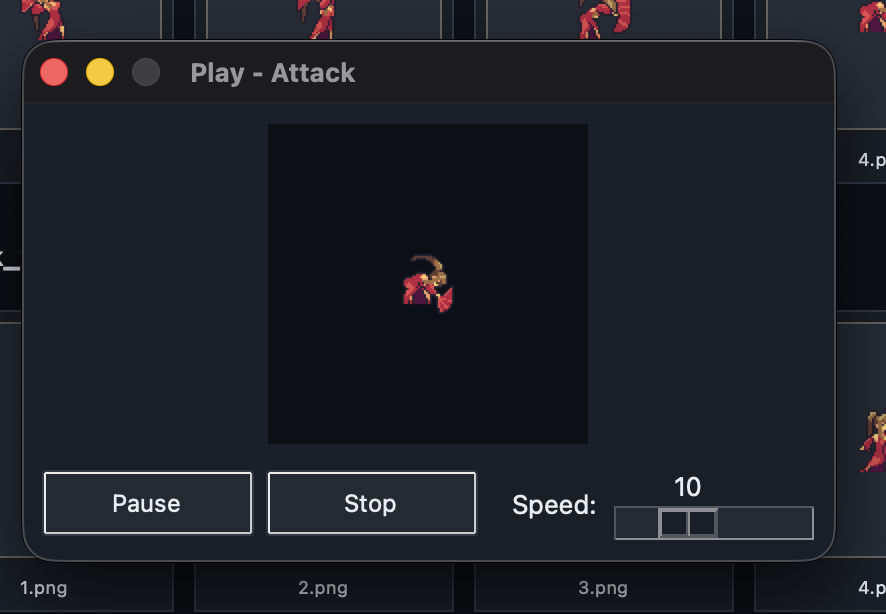
- Preview animations for each folder
- Runs on Windows and macOS
Installing TextureSplitter
A simple guide for installing and opening TextureSplitter — no technical knowledge required.
What you need
| Mac | Windows | |
|---|---|---|
| Operating system | macOS 11 (Big Sur) or newer | Windows 10 or newer (64-bit) |
| Free disk space | ~150 MB | ~150 MB |
| Internet connection | Only required to download the app | Only required to download the app |
You do not need to install Python or anything else — the app runs on its own.
Installing on Mac
- Download the file you were given. It will be named something like
TextureSplitter.apporTextureSplitter.zip. - If it is a
.zipfile, double-click it to extract it. You should get a file namedTextureSplitter.app. - Drag
TextureSplitter.appinto yourApplicationsfolder. You can skip this step and run it from anywhere, but moving it to Applications keeps things tidy. - The first time you open it, macOS may refuse to launch the app and show a warning such as "TextureSplitter cannot be opened because it is from an unidentified developer" or "Apple could not verify...". This is normal for apps that are not distributed through the App Store.
- Right-click the
TextureSplitter.appfile, or holdControland click it. - Choose Open from the menu.
- A warning dialog will appear again — click Open.
- If you do not see an Open button, go to System Settings → Privacy & Security, scroll down, click Open Anyway next to the TextureSplitter warning, and confirm.
- Right-click the
- From now on, you can simply double-click the app normally to open it.
Installing on Windows
- Download the file you were given, such as
TextureSplitter.exeorTextureSplitter.zip. - If it is a
.zipfile, right-click it and choose Extract All..., then open the extracted folder. - Double-click
TextureSplitter.exeto run it. - Windows may show a blue screen titled "Windows protected your PC". This is Windows SmartScreen and commonly appears for applications that are not digitally signed.
- Click More info.
- Click the Run anyway button that appears.
- The app will open. You can keep the folder wherever you like, such as your Desktop, and double-click the
.exewhenever you want to run it. Nothing else needs to be installed.
Using the app
- Click the button to choose a JSON file. The matching PNG spritesheet will be found automatically in the same location.
- Choose a sprite size from the dropdown, or enter a custom size.
- Choose an output folder. This is where the split images will be saved.
- Click CUT IMAGES.
You can change the interface language using the button in the top-right corner of the window.
Uninstalling
- Mac: Drag
TextureSplitter.appfromApplicationsto the Trash. - Windows: Delete the
TextureSplitter.exefile and its folder if you extracted it from a ZIP archive.
No other files are installed on your computer, so there is nothing else to clean up.
Purchase
In order to download this tool you must purchase it at or above the minimum price of $2.99 USD. You will get access to the following files:
Leave a comment
Log in with itch.io to leave a comment.