Spritesheet Tools
A downloadable tool
Texture Splitter & Packer
Texture Packer is for PIXIJS Format
Texture Splitter & Packer is a simple desktop tool for creating and extracting spritesheets.
Use Texture Packer to combine individual images and animation frames into optimized spritesheets, or use Texture Splitter to reverse existing TexturePacker spritesheets back into their original frame-by-frame images.
The application is designed for game development, pixel art, animations, and other workflows where you frequently need to pack or unpack sprite assets.
Features
- Pack textures into spritesheets
- Split spritesheets into individual frames
- Generate spritesheet PNG and JSON files
- Import TexturePacker-compatible JSON spritesheets
- Automatically load the PNG associated with an imported JSON file
- Organize exported frames into folders based on animations
- Resize sprites when exporting
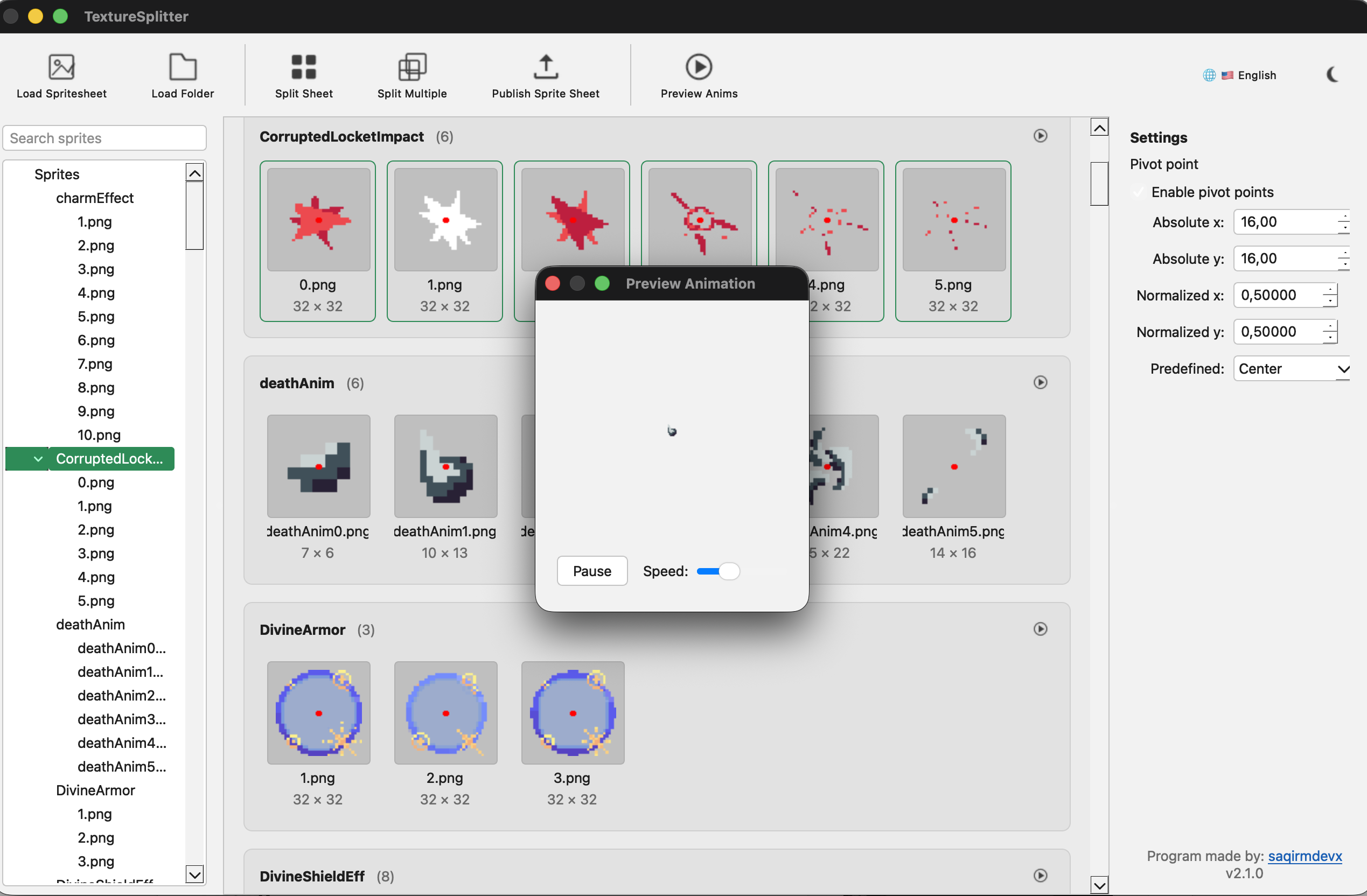
- Preview animations directly in the application
- Preserve original image quality when splitting spritesheets
- Runs on Windows and macOS
Using Texture Splitter
Texture Splitter converts an existing spritesheet into separate image files.
- Click Load Spritesheet and select the JSON file of your spritesheet. The corresponding PNG spritesheet is loaded automatically from the same location.
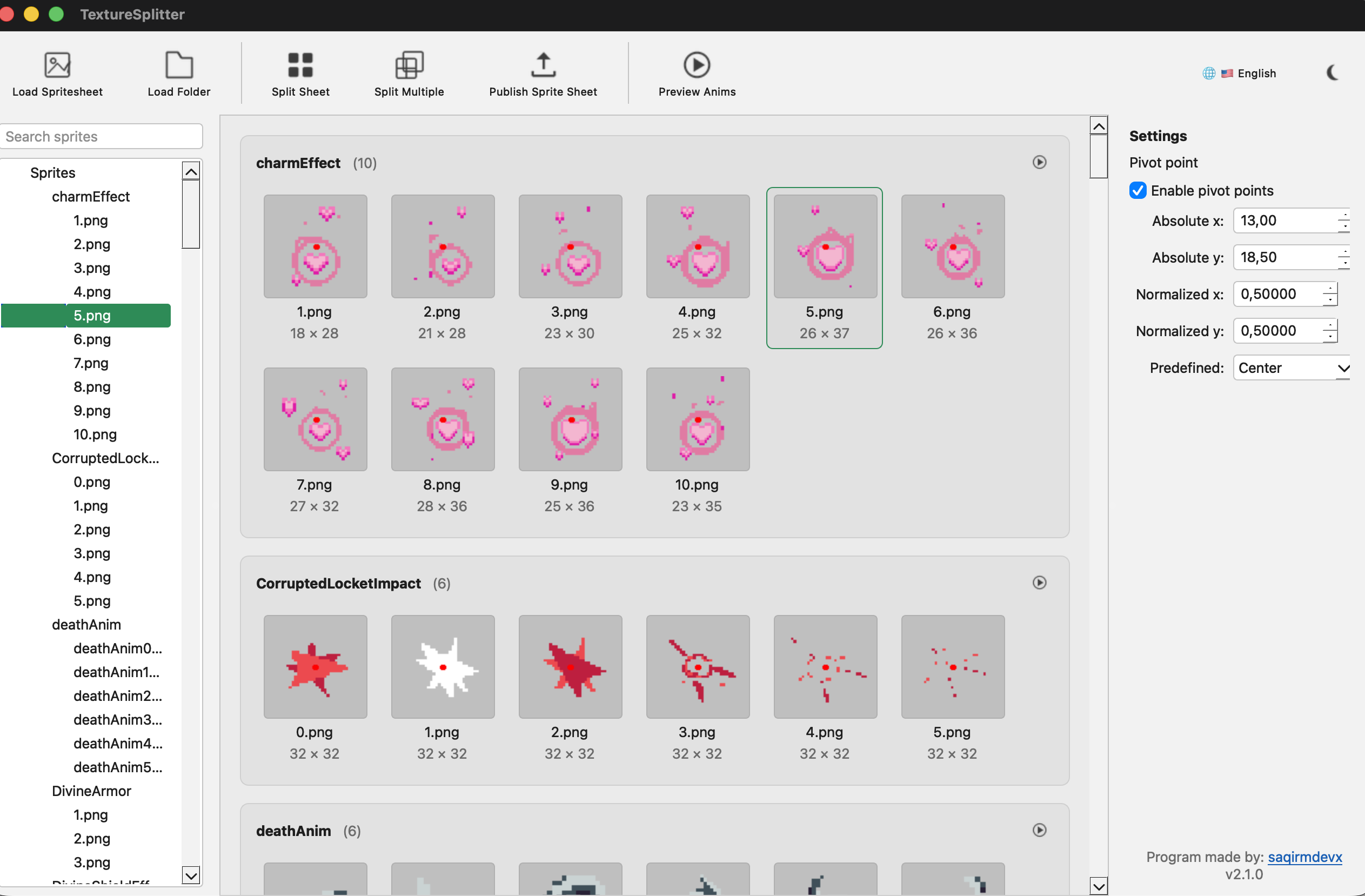
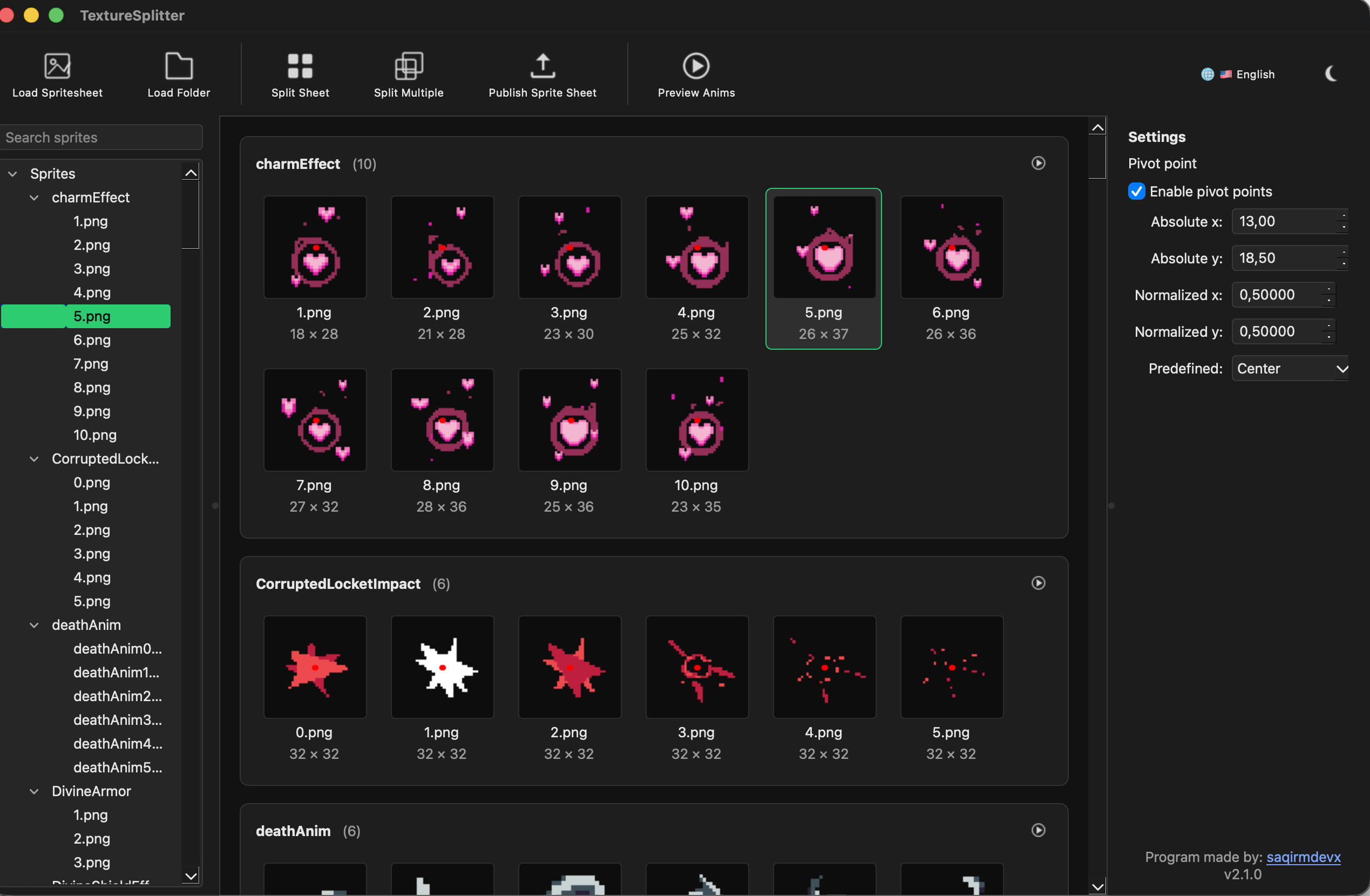
- The spritesheet contents will appear in the application, where you can browse and inspect individual animations and frames.
- Click Preview Anims to preview the selected animation.
- Click Split Sheet to extract the spritesheet into individual images.
- Choose where the extracted files should be saved.
The original animation and folder structure defined by the spritesheet is preserved where possible.
Using Texture Packer
Texture Packer combines folders of individual images and animation frames into a single spritesheet.
- Click Load Folder and select the folder containing the images you want to pack.
- The folder structure and images will appear in the application. Folders can be used to organize individual animations.
- Select an animation or group of frames to inspect them in the preview area.
- Click Preview Anims to preview the selected animation.
- Optionally enable Pivot Points and configure the pivot position for your sprites.
- Click Publish Sprite Sheet when you are ready to pack the textures.
- Choose the output location. The application generates the packed PNG spritesheet together with its corresponding JSON data.
The generated spritesheet can be used in game engines and rendering libraries that support TexturePacker-compatible spritesheets.
Pivot Points
When packing sprites, you can optionally define a pivot point that describes the origin or anchor position of the sprite.
Pivot points can be configured using absolute pixel coordinates, normalized coordinates, or one of the available predefined positions. This information is stored with the generated spritesheet data.
Changing Language
You can change the interface language using the language button in the top-right corner of the application.
Download
Click download now to get access to the following files:
Leave a comment
Log in with itch.io to leave a comment.